

![[FINAL UPDATE] Sprunke Phase 8 Conbienjoyer's Take](https://data.sprunkimods.app/sprunke-phase-8-conbienjoyers-take-final-update/cover.avif)


![Sprunke Yandere Moch [UPD 17.0]](https://data.sprunkimods.app/sprunke-yandere-moch-upd-17/cover.avif)
![Sprunke Garnold's Joy Phase 3 [OFFICIAL]](https://data.sprunkimods.app/sprunke-garnolds-joy-phase-3-official/cover.avif)


![[POLO 6 HORROR UPDATE] Sprunke PLUS](https://data.sprunkimods.app/polo-6-horror-update-sprunke-plus/cover.avif)



![[MR SUN UPDATE] Sprunke PLUS](https://data.sprunkimods.app/mr-sun-update-sprunke-plus/cover.avif)


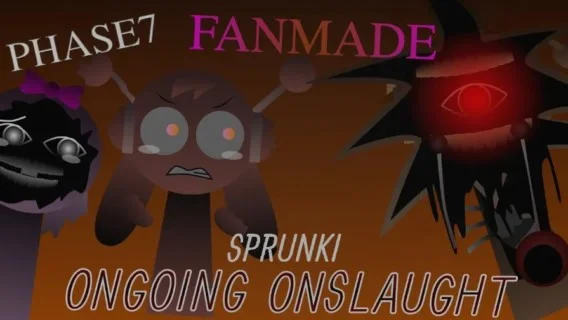


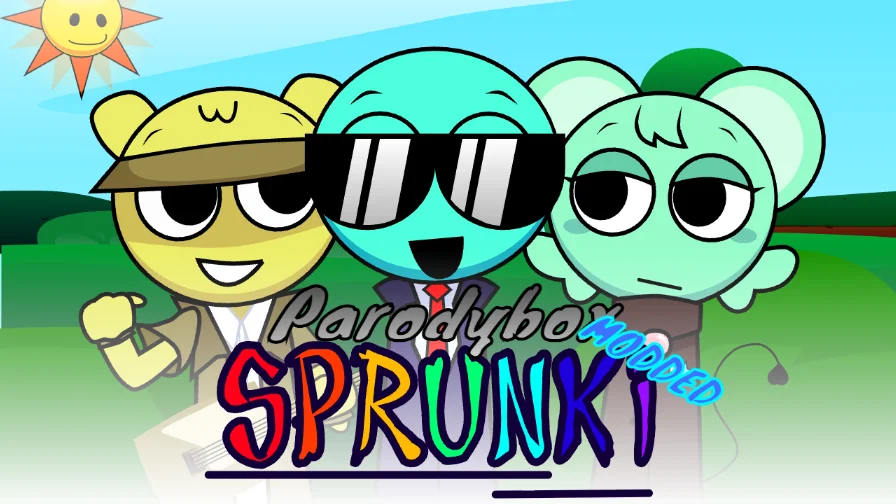

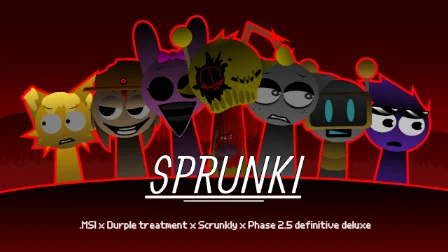
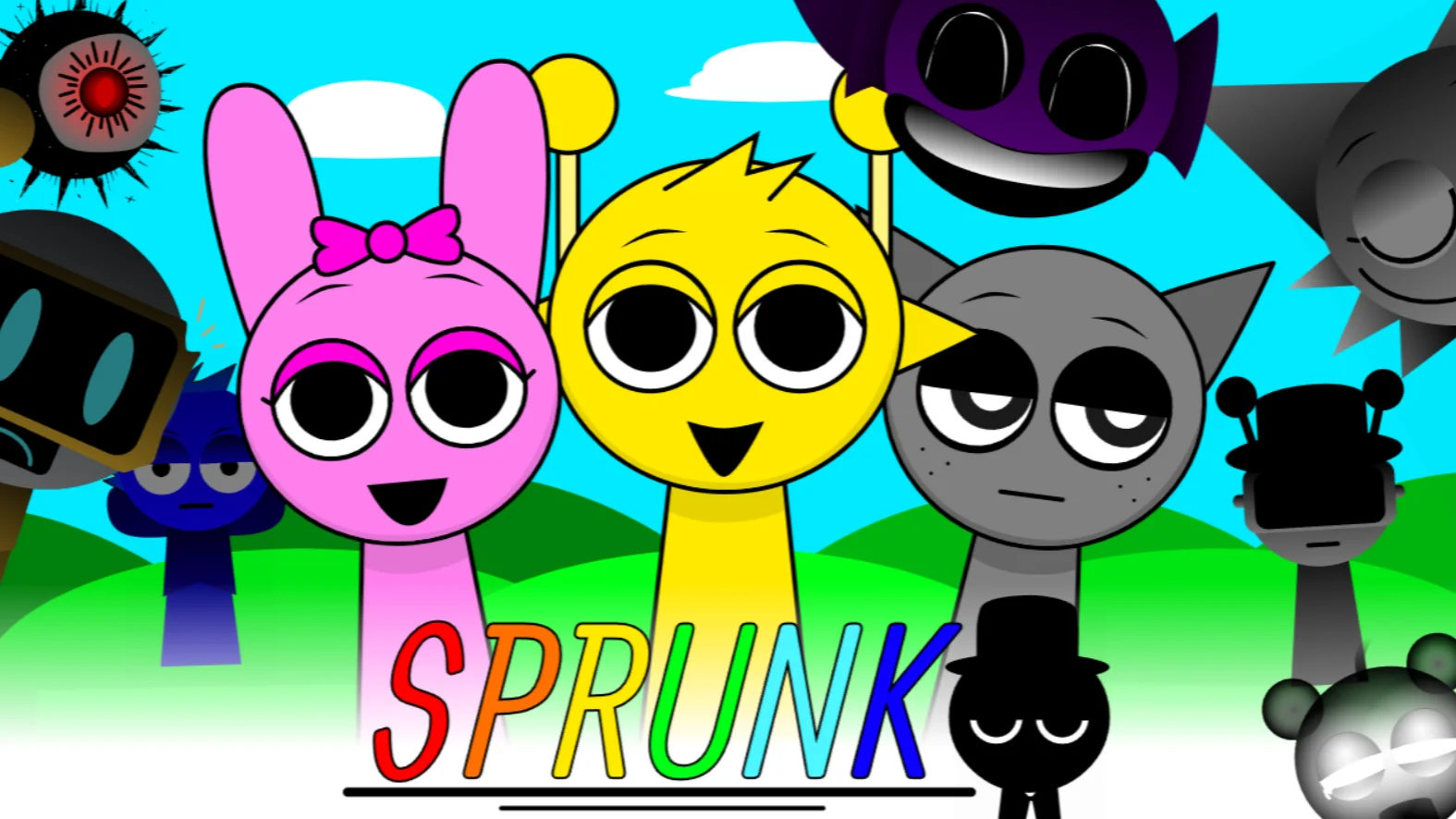

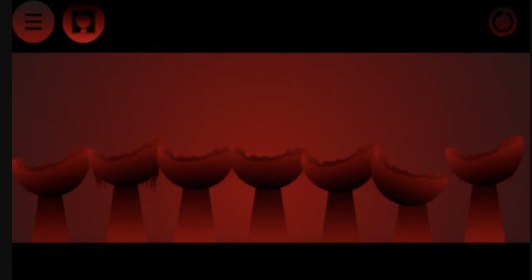


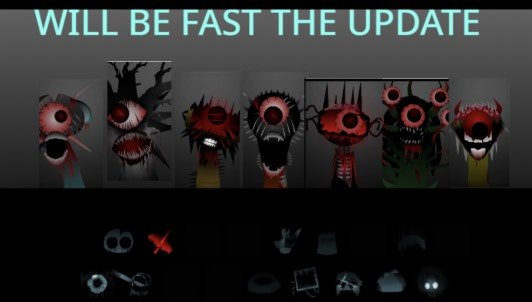
SPRUNKE.MSI Final Update
SPRUNKE.MSI Final Update is a browser-based Sprunki rhythm mod with 7 avatars, 26 corrupted sounds, and drag-and-drop mixing — the definitive final build for experimental beat makers.
What is SPRUNKE.MSI Final Update?
SPRUNKE.MSI Final Update is a browser-based music-mixing mod in the Sprunki/Incredibox fan ecosystem, designed by DylanTheWolf and polished through community final-release builds. Players drag sound icons onto seven stage avatars to layer beats, melodies, vocals, and effects into original tracks — except every loop in SPRUNKE.MSI Final Update sounds fractured, clipped, or digitally damaged on purpose.
The "Final Update" label distinguishes this build from earlier MSI versions and fan prototypes. It represents the last round of mechanic refinements, animation fixes, and audio stabilization before the mod enters maintenance-only status across community hosting sites.
Think of SPRUNKE.MSI Final Update as a rhythm sandbox where rules from conventional music theory barely apply. Success is measured by atmosphere and texture, not clean chord progressions.
How to Play SPRUNKE.MSI Final Update?
Getting started with SPRUNKE.MSI Final Update takes minutes, but mastering its chaos takes sessions:
Step 1: Access the mod online. Navigate to a hosting mirror such as sprunki.cool, sprunki.org, or itch.io community ports. SPRUNKE.MSI Final Update requires no installation.
Step 2: Let the game fully load. The first boot caches 26 audio samples and glitch animation frames. Interrupting this process leads to silent or broken loops. Wait until the stage and toolbar appear completely.
Step 3: Read the toolbar labels. Sounds are pre-sorted into four categories — beats, melodies, voices, and effects. This labeling system, refined in the Final Update, eliminates the guesswork present in early MSI builds.
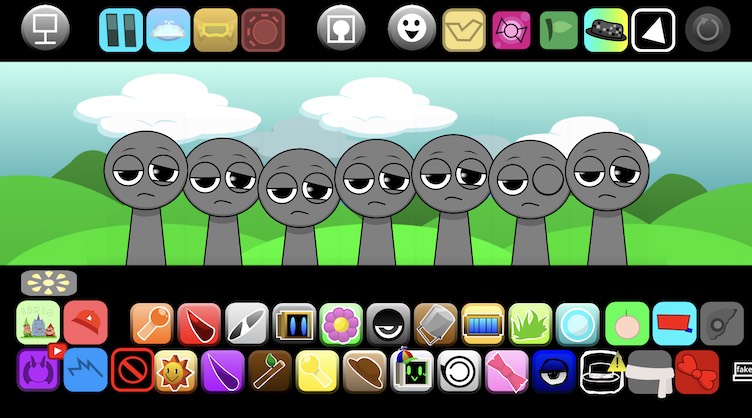
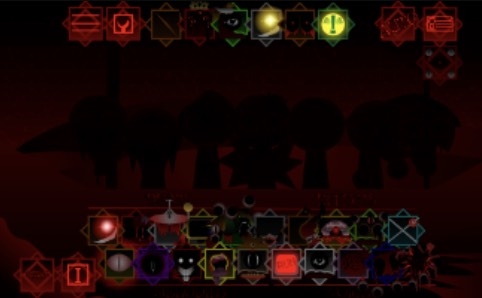
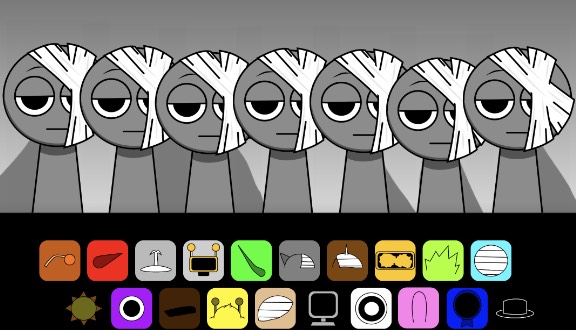
Step 4: Drag a beat onto any avatar. Click and hold a beat icon, drop it on one of the seven gray figures. The avatar animates with glitch feedback and the loop begins immediately.
Step 5: Layer complementary sounds. Add a melody to a second avatar, a vocal chop to a third, and an effect to a fourth. SPRUNKE.MSI Final Update supports up to seven simultaneous layers.
Step 6: Toggle mutes to reshape your mix. Click active avatars to silence them without removing their assigned sounds. This live-mixing technique is essential for building drops and breakdowns.
Step 7: Hunt for secret combos. Specific icon pairings across avatars trigger bonus glitch sequences — visual screen tears, audio stutters, and hidden sample fragments exclusive to SPRUNKE.MSI Final Update.
Game Features of SPRUNKE.MSI Final Update
Seven-Slot Mixing Stage Seven gray avatars provide the maximum layering capacity standard to Sprunki-format mods. Each slot operates independently with its own mute toggle and glitch animation set.
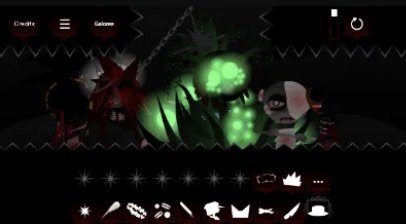
26-Sound Effect Library The Final Update ships the complete sound bank: approximately twenty icons on the lower toolbar and six on the upper bar. Categories cover four sonic roles, giving players precise control over mix architecture.
Drag-and-Drop Interface Inherited from Incredibox and refined across Sprunki mods, the interface requires zero keyboard input. SPRUNKE.MSI Final Update adds responsive hover states and snap-to-avatar feedback improved in the final build.
Character Interaction System Combining certain sound types on adjacent avatars produces interaction effects — synchronized flickers, shared static bursts, and cross-avatar audio phasing not available from solo placements.
Real-Time Visual Response The stage background reacts to mix density. More active layers increase visual corruption intensity — scan lines multiply, colors invert briefly, and avatars desync their animations.
Zero-Barrier Access SPRUNKE.MSI Final Update runs on desktop, tablet, and mobile browsers. No app store, no APK workarounds, no account creation.
Why Play SPRUNKE.MSI Final Update?
Rhythm game fans seeking depth beyond button-timing challenges will appreciate SPRUNKE.MSI Final Update's open-ended composition model. You are not hitting notes — you are architecting texture.
The mod suits three player profiles especially well:
- Remix experimenters who treat every session as a sound-design laboratory.
- Sprunki collectors working through notable fan mods in chronological order.
- Content creators hunting visually striking glitch footage for short-form video platforms.
SPRUNKE.MSI Final Update also functions as a low-stakes introduction to experimental electronic music production. Layering corrupted loops teaches ear-training skills — identifying frequency clashes, rhythm offset, and timbral contrast — without requiring a DAW or music theory background.
The Final Update's stability improvements mean fewer session-breaking bugs, making it the most reliable entry point for first-time MSI players.
Character Design of SPRUNKE.MSI Final Update
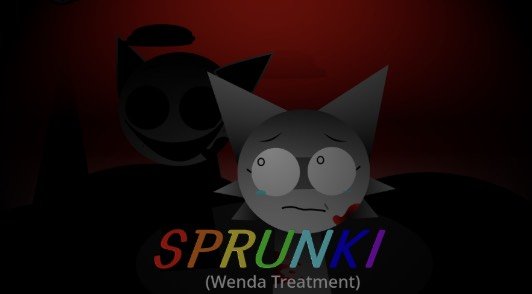
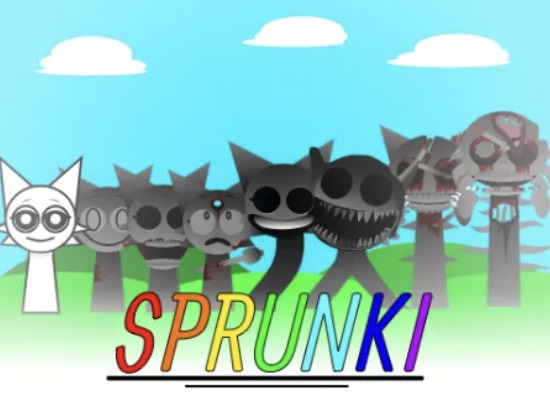
SPRUNKE.MSI Final Update reimagines the Sprunki cast as corrupted data rather than expressive performers. The seven avatars share a unified gray palette, differentiated only by subtle animation behaviors once sounds attach.
Beat avatars pulse with rhythmic jitter — their silhouettes snap between frames on downbeats.
Melody avatars stretch and compress vertically, as if their aspect ratio corrupts with pitch.
Voice avatars fragment horizontally, splitting into RGB-separated ghost images during vocal loops.
Effect avatars emit radial static bursts that expand outward into the background.
Character bios, accessible via click-through menus in the Final Update, reveal that each avatar represents a corrupted echo of a classic Sprunki figure — Oren's beat energy, Wenda's vocal tone, Jevin's melodic presence — filtered through the Missing Sound Interface filter.
No avatar smiles. No avatar speaks in clean dialogue. The design language communicates system failure consistently across all seven figures, making SPRUNKE.MSI Final Update visually coherent even at maximum glitch intensity.
Tips and Strategies for SPRUNKE.MSI Final Update
Build in thirds, not sevenths. Fill three slots, listen, adjust, then expand. SPRUNKE.MSI Final Update punishes instant full-stack mixing with muddy audio.
Assign one category per avatar. Avoid stacking two beats on separate avatars until you understand how their corrupted loops interact rhythmically.
Use effects as glue. Effect-layer avatars bind dissonant beat and melody combinations into cohesive textures.
Learn the toolbar layout by memory. Knowing icon positions speeds up live mixing and helps you reproduce discovered combos in future sessions.
Explore adjacent-avatar pairings first. Secret interactions most commonly trigger between neighboring slots rather than opposite-stage pairs.
Reduce browser tab count. SPRUNKE.MSI Final Update is audio-intensive. Background tabs competing for resources cause stutter that mimics intentional glitch but ruins mix timing.
Capture externally. Use OBS, QuickTime, or browser extensions to record standout SPRUNKE.MSI Final Update sessions since save features vary by hosting mirror.
Revisit after updates. Community mirrors occasionally patch the Final Update build with minor fixes — a reload can improve performance noticeably.
Community Engagement of SPRUNKE.MSI Final Update
The SPRUNKE.MSI Final Update player base thrives on combo-sharing culture. Discord channels and Reddit threads document "recipe cards" — specific icon sequences that unlock rare glitch events. New discoveries still surface months after the Final Update launch, keeping the mod active in community conversation.
YouTube creators produce "MSI challenge" videos: start with one random beat icon and build a full seven-layer track under time pressure. TikTok edits sync SPRUNKE.MSI Final Update glitch visuals to trending audio, introducing the mod to audiences beyond core Sprunki fans.
DylanTheWolf maintains recognition as the original architect, while port creators like Spider-Plays and Ralphie630 receive credit in community wikis for keeping SPRUNKE.MSI Final Update accessible after platform migrations from Cocrea to itch.io and sprunki.cool.
The mod also feeds downstream creativity: Sprunki MSI 2.0's Multiverse Sound Invasion concept directly extends MSI's corruption framework into phase-hopping chaos, creating a mod family tree fans actively map and discuss.
Gameplay Mechanics FAQ
How many characters can I use at once in SPRUNKE.MSI Final Update? You can activate all seven avatars simultaneously, each holding one sound layer, for a maximum seven-layer mix.
What are the four sound categories in SPRUNKE.MSI Final Update? Beats, melodies, voices, and effects — each category occupies designated sections of the 26-icon toolbar.
Can I play SPRUNKE.MSI Final Update on mobile? Yes. The mod runs in mobile browsers, though headphones and a stable connection improve the experience significantly.
How do I unlock secret combos in SPRUNKE.MSI Final Update? Experiment with specific beat-voice and melody-effect pairings across adjacent avatars. Community Discord servers maintain updated combo lists.
Is SPRUNKE.MSI Final Update different from Sprunki MSI 2.0? Yes. The Final Update is the original MSI mod's polished conclusion. MSI 2.0 is a separate expansion introducing multiverse themes and phase corruption mechanics.
Do I need musical experience to enjoy SPRUNKE.MSI Final Update? No. The mod is designed for intuitive drag-and-drop play. Musical knowledge helps but is not required — curiosity matters more than training.